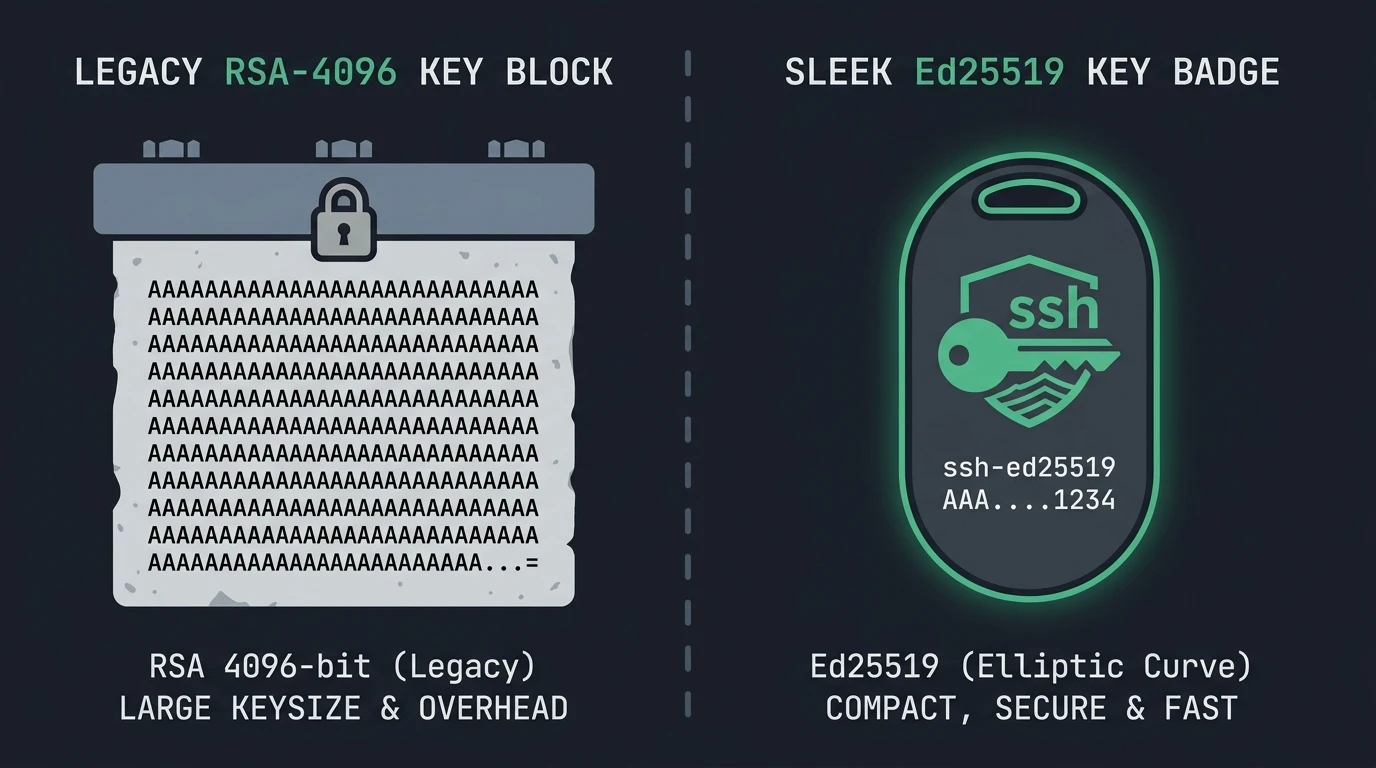
For years, the standard command most of us used for generating an SSH keypair was ssh-keygen -t rsa -b 4096. It produced a solid RSA key that worked across just about every Linux distribution and network device.
Starting with OpenSSH 8.8 (standard on Debian 11 Bullseye, Ubuntu 22.04 LTS, and newer releases), OpenSSH disabled the legacy ssh-rsa signature algorithm by default due to weaknesses in SHA-1 hashing. If you still have older RSA keys or connect to older equipment, you might run into errors like:
sign_and_send_pubkey: no mutual signature supported
Permission denied (publickey).
While RSA keys with SHA-256 (rsa-sha2-256) still function on modern servers, moving over to Ed25519 elliptic curve keys has become the preferred standard. They are much smaller (only 68 characters for the public key), verify almost instantly, and provide strong modern cryptography without requiring massive 4096-bit key lengths.
Step 1: Generate an Ed25519 Keypair
Run the following command on your local workstation. The -a 100 flag increases the key derivation function (KDF) rounds to 100 to make brute-forcing the passphrase significantly harder:
ssh-keygen -o -a 100 -t ed25519 -C "dan@danfry.net"When prompted, save it to the default path (~/.ssh/id_ed25519) and enter a strong passphrase.
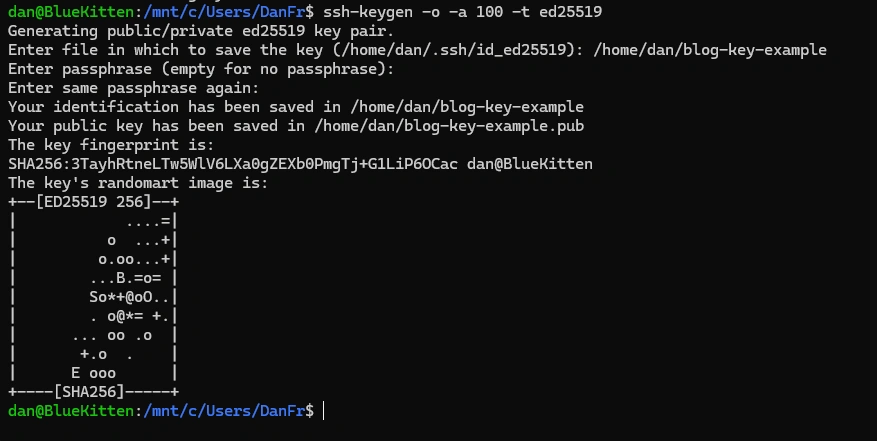
Generating an Ed25519 keypair with 100 KDF rounds in OpenSSH showing key fingerprint and randomart image
Step 2: Copy the Public Key to Your Servers
Use ssh-copy-id to install your new public key to your target servers:
ssh-copy-id -i ~/.ssh/id_ed25519.pub dan@your-server-ipVerify you can log in without password authentication:
ssh -i ~/.ssh/id_ed25519 dan@your-server-ipStep 3: Streamline Your Local SSH Config
Instead of typing identity file paths every time, add your key to ~/.ssh/config:
Host *
  IdentityFile ~/.ssh/id_ed25519
  IdentitiesOnly yes
  ServerAliveInterval 60
Connecting to Older Switches and Legacy Appliances
If you run into an older network switch, legacy NAS, or older CentOS 6/7 server that only supports legacy RSA SHA-1 and refuses connections from modern OpenSSH clients, you can temporarily enable the older algorithm for just that host in ~/.ssh/config:
Host legacy-switch.lan
  HostName 192.168.1.50
  User admin
  HostkeyAlgorithms +ssh-rsa
  PubkeyAcceptedKeyTypes +ssh-rsa
Migrating over to Ed25519 keys now keeps your keys clean, compact, and compliant with modern OpenSSH defaults.
For more Linux server security walkthroughs, see my 10-step security checklist for Debian and Ubuntu, set up Fail2ban SSH brute force protection, or configure instant email notifications on SSH root logins. You can also read the OpenSSH 8.8 release notes for full cryptographic deprecation details.