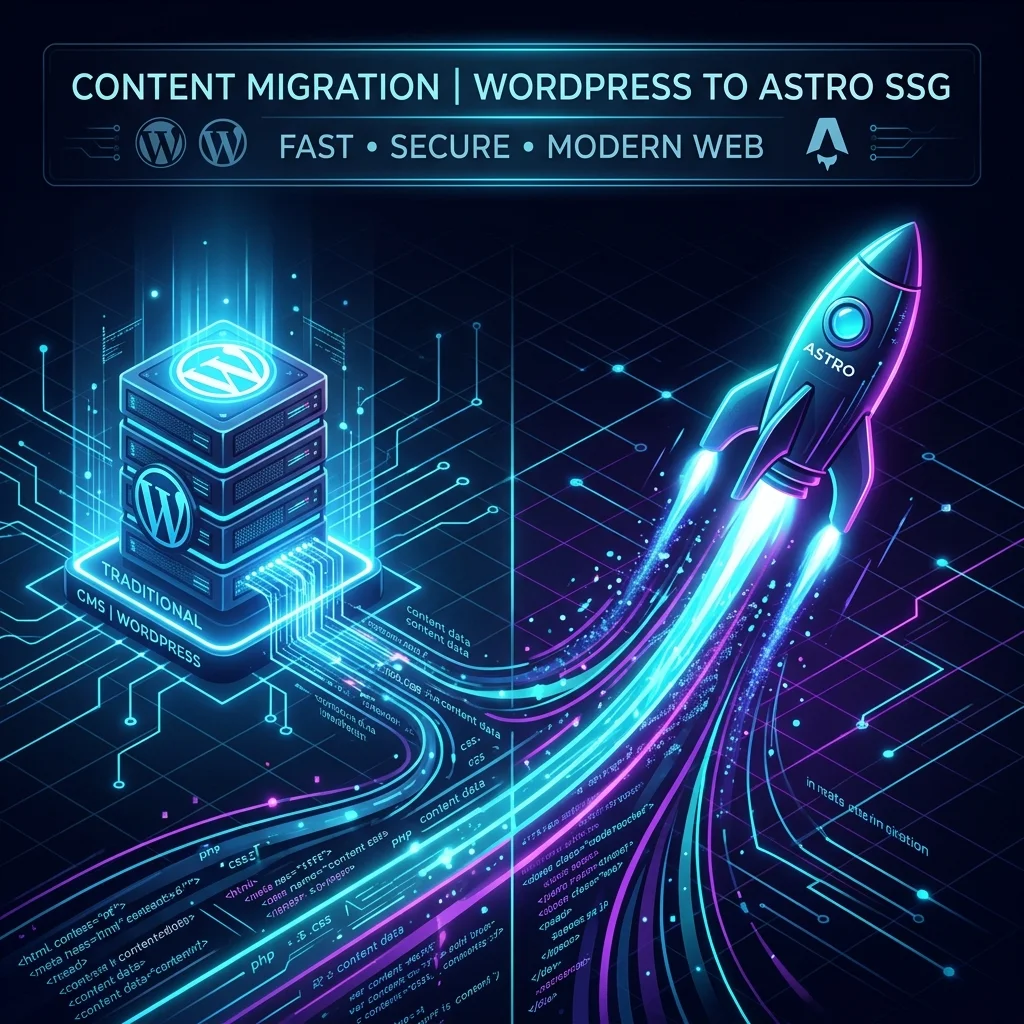
After years of managing WordPress MySQL databases, patching third-party plugin vulnerabilities, dealing with Gutenberg block clutter, and constantly tweaking server-side PHP caching layers, I decided it was time for a radical upgrade: migrating DanFry.net to a modern Static Site Generator (Astro SSG).
What traditionally would have been a grueling, weekend-long slog of database exports, manual regex replacements, and fixing broken image URLs was accomplished in less than an hour over lunch by pairing with an autonomous AI coding assistant.
Here is the complete breakdown of how we pulled down a decade of content, built streaming Node.js migration scripts, preserved every single permalink with zero 404 errors, migrated analytics, and established an AI-driven publishing workflow.
The Threat Landscape: Why Ditch WordPress?
As a Systems Administrator and Cybersecurity Engineer, watching the threat landscape evolve over the past few years made one thing clear: WordPress sites are constant magnets for automated exploitation.
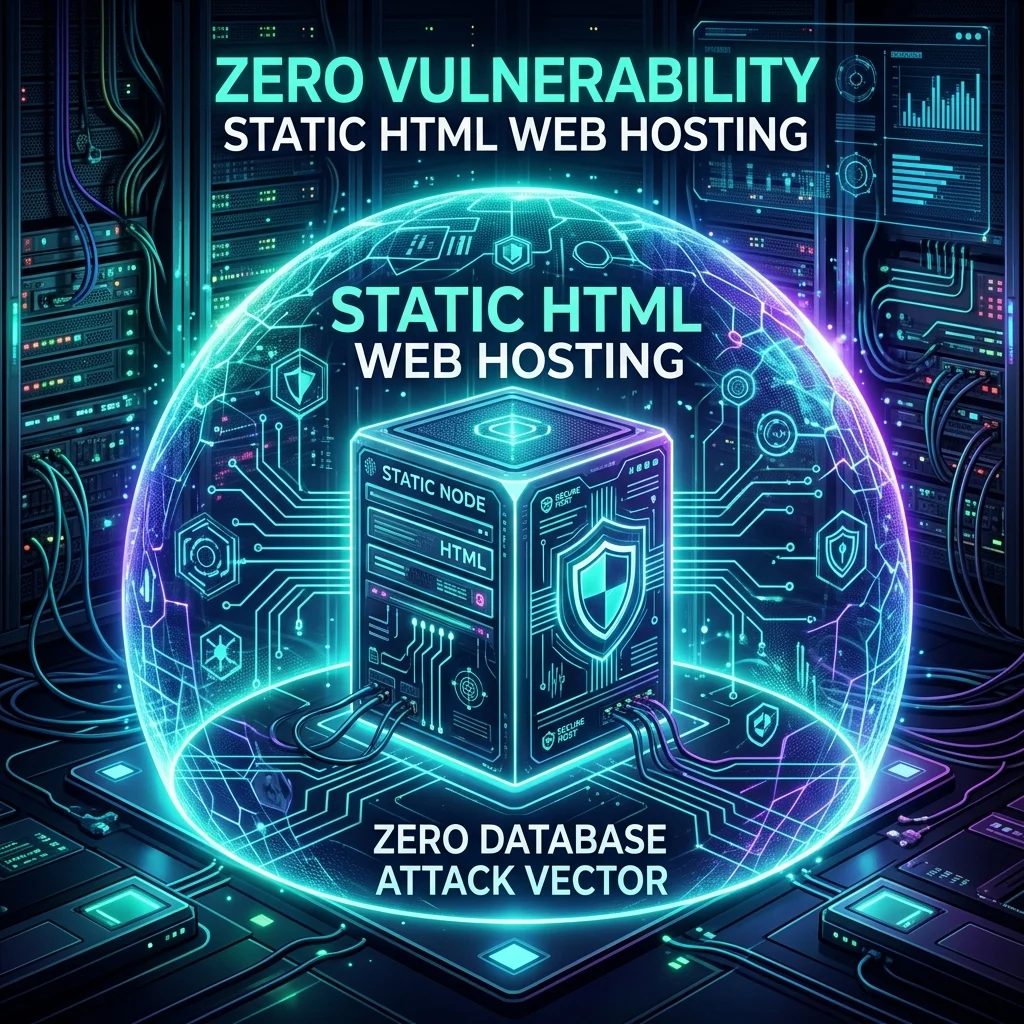
If you’ve spent any time looking at web server access logs, you know that botnets scan the web 24/7 for vulnerable WordPress plugins. Automated threat tools now weaponize 0-day plugin vulnerabilities within hours of public disclosure, executing brute-force login attempts, database injections, and backdooring PHP execution scripts.
When managing server security—like setting up Email Notifications on SSH Root Logins or configuring SPF and DKIM for WHM/cPanel—the last thing you want is a bloated CMS introducing unnecessary attack surface.
By migrating to Astro 5+ SSG, we completely eliminate those risks:
- Zero PHP Execution: No server-side PHP interpreter running on the web host.
- Zero Database Vulnerabilities: No MySQL/MariaDB database to target, exploit, or leak credentials from.
- Zero Plugin Attack Surface: No vulnerable third-party plugins for automated web scanners to target.
- Pure Static HTML Delivery: Web servers simply serve pre-rendered HTML, CSS, WebP images, and static assets with near-instant TTFB (Time to First Byte).
Step 1: Exporting WordPress Content
The first step was extracting all raw content directly from WordPress without relying on direct database dumps or risky third-party migration plugins.
In the WordPress Admin Dashboard:
- Navigated to Tools > Export.
- Selected All Content (posts, pages, media attachments, taxonomy categories, and custom post types).
- Downloaded the resulting XML export file (
danfrynet.WordPress.2026-08-05.xml— a 110.87 MB XML payload containing 228 raw<item>entities).
Step 2: Git Repository Setup & Data Commitment
To keep the workspace clean and maintain an audit trail, we initialized a fresh local Git repository and committed the original WordPress XML export into an Original-Website/ directory.
AI Pair Prompt Used: “I have added a folder called Original-Website with the full export from wordpress - we can batch this into smaller files or stream it. Let’s enhance our plan with any tweaks and create our folder layout. Commit all files to git.”
mkdir DanFry.net && cd DanFry.net
git init
mkdir Original-Website
# Placed danfrynet.WordPress.2026-08-05.xml into Original-Website/
git add Original-Website/
git commit -m "chore: add full WordPress XML export"
Having the raw export tracked in version control ensured we had complete roll-back protection and could iterate on our conversion scripts safely.
Step 3: AI Architecture Alignment & Planning
Before writing conversion scripts, we tasked the AI with analyzing the workspace and drafting a technical plan (plan.md). We agreed on leveraging Astro 5+ Content Collections with Zod schema validation to manage our Markdown files cleanly.
AI Pair Prompt Used: “Can you review my current plan.md for our website migration? We want to use Astro SSG, preserve all URLs, and create clear documentation so an AI agent can publish content in the future.”
Projected Project Architecture
text
danfry.net/
├── Original-Website/        # Raw 110MB WordPress XML export
├── public/                  # Uncompiled static assets & .htaccess 301 redirects
├── scripts/                 # Custom Node.js streaming & conversion scripts
├── src/
│   ├── assets/images/       # Downloaded WP media (auto-compressed to WebP)
│   ├── components/          # Header, Footer, and GoogleAnalytics components
│   ├── content/blog/        # 88 migrated Markdown (.md) articles
│   ├── content.config.ts    # Zod schema definitions (title, pubDate, tags, coverImage)
│   ├── layouts/             # BaseLayout & BlogPostLayout templates
│   └── pages/               # Dynamic post routes, category archives & projects hub
├── CONTENT_GUIDE.md         # Writing voice & frontmatter guidelines for AI agents
├── DEPLOYMENT_GUIDE.md      # Build compilation & remote server deployment guide
├── dev.bat / dev.sh         # One-click local development scripts
└── build.bat / build.sh     # One-click production compilation scripts
Step 4: Building Custom Streaming Migration Scripts
Parsing a 110 MB XML export file with traditional DOM XML parsers can easily exhaust Node.js memory. To solve this, we wrote a streaming, line-by-line parser script (scripts/convert-export.js) using Node’s native readline module.
In past articles like Fixing WordPress Insecure Mixed Content in Posts, I noted how messy database content can get over time. Our migration script handled all that cleanup automatically during extraction.
AI Pair Prompt Used: “In the .md files generated from WP, formatting can break for new lines/gaps. Can we ensure paragraphs are parsed cleanly with wpautop rules, images are extracted to src/assets/images/, and image paths in posts are rewritten?”
Key Script Features:
wpautopParagraph Formatting: WordPress content in XML exports often lacks explicit<p>tags, relying on double newlines. We implemented a customwpautopfunction in Node.js to inject<p>tags before passing HTML intoTurndownService.- Shortcode & Gutenberg Cleanup: Automatically stripped residual Gutenberg block comments (
<!-- wp:... -->) and converted[caption]image tags into clean HTML figure tags. - Zod-Compliant Frontmatter Generation: Formatted YAML frontmatter with titles, publication dates, categories, tags, and original URLs.
// Sample snippet from scripts/convert-export.js
const cleanHtml = cleanWpHtml(rawContent);
const markdownContent = turndownService.turndown(cleanHtml);

const frontmatterLines = [
  '---',
  `title: ${JSON.stringify(title)}`,
  `pubDate: '${pubDateIso}'`,
  `author: ${JSON.stringify(author)}`,
];

if (excerpt) frontmatterLines.push(`description: ${JSON.stringify(excerpt)}`);
if (tags.length > 0) frontmatterLines.push(`tags: ${JSON.stringify(tags)}`);
if (categories.length > 0) frontmatterLines.push(`categories: ${JSON.stringify(categories)}`);
if (coverImage) frontmatterLines.push(`coverImage: ${JSON.stringify(coverImage)}`);
frontmatterLines.push('---', '');
Media Downloading & Path Rewriting
We created two dedicated companion scripts:
scripts/download-media.js: Streamed and downloaded 136 media files directly from WordPress uploads intosrc/assets/images/YYYY/MM/.scripts/update-image-paths.js: Iterated through all 88 generated Markdown files, rewriting remote WordPress URLs (https://www.danfry.net/wp-content/uploads/...) to local relative asset paths (/images/YYYY/MM/...).
Step 5: Zero-404 SEO Preservation (.htaccess 301 Redirects)
A primary concern when migrating legacy sites is maintaining search engine rankings and preventing 404 errors for external inbound links. Back when I wrote about Understanding Basic WordPress SEO, link integrity was key—and that principle applies doubly during a platform migration.
Our migration script automatically parsed all original WordPress permalinks—including legacy category structures (/technology/sysadmin/...) and query strings (/?p=123)—and generated 128 301 redirect rules inside public/.htaccess:
apache
# DanFry.net WordPress -> Astro 301 Redirect Rules
<IfModule mod_rewrite.c>
  RewriteEngine On
  RewriteBase /

  # RSS Feed Redirects
  RewriteRule ^feed/?$ /rss.xml [R=301,L]

  # Legacy Permalinks 301 Redirects
  Redirect 301 /technology/sysadmin/clearing-minecraft-server-lag /blog/clearing-minecraft-server-lag
  Redirect 301 /personal-development/wordpress-101-certification /blog/wordpress-101-certification
  Redirect 301 /technology/sysadmin/postfix-queue-monitoring-with-mailgraph /blog/postfix-queue-monitoring-with-mailgraph
</IfModule>
Step 6: Migrating Google Analytics & Scripts
Rather than pasting raw inline script tags across template files, we abstracted Google Analytics tracking into a modular Astro component.
AI Pair Prompt Used: “We should of course include the Google Analytics we currently have as well, so that’s called/loaded cleanly in our base layout.”
We created src/components/GoogleAnalytics.astro:
astro
---
export interface Props {
  measurementId?: string;
}

const { measurementId = import.meta.env.PUBLIC_GA_ID || 'G-XXXXXXXXXX' } = Astro.props;
---

{measurementId && (
  <>
    <script async src={`https://www.googletagmanager.com/gtag/js?id=${measurementId}`}></script>
    <script is:inline define:vars={{ measurementId }}>
      window.dataLayer = window.dataLayer || [];
      function gtag(){dataLayer.push(arguments);}
      gtag('js', new Date());
      gtag('config', measurementId);
    </script>
  </>
)}
This component was then cleanly imported into <head> inside src/layouts/BaseLayout.astro.
Step 7: Iterative AI Refinements (Polishing the UI)
Once the core conversion succeeded, we executed 2-3 feedback rounds with the AI to refine the user interface:
AI Pair Prompt Used: “The menu is better but the dropdowns have &blackdown; as text showing - can we fix that? Also the projects page shows non-projects - can we strictly filter project items? Lastly on the About page, can we include the old website logo above the ‘What I Do’ section?”
Enhancements Made:
- Header Navigation Dropdowns: Built sticky glassmorphism header navigation in
Header.astrowith dropdowns for Tech (Dev, Security, Sysadmin, Gaming, AI, Crypto) and Other (Education, Survival), replacing broken text arrows with clean HTML entities (▼). - Projects Showcase Hub: Isolated custom project items (Smart Mirror, Raspberry Pi PIR CCTV System) into a dedicated
/projectshub page. - Automated Thumbnail Extraction: Extracted WordPress
_thumbnail_idmeta keys and first-image fallbacks across all 88 posts, populatingcoverImagefrontmatter for homepage cards, category lists, and article hero banners. - About Page Logo Integration: Linked the original site logo (
danfry-logo.png) using Astro’s native<Image />component. - Sidebar for Internal Discovery: Added a related articles and recent posts sidebar in
BlogPostLayout.astroso readers landing on a post from search engines can discover related guides like Postfix Queue Monitoring with Mailgraph or Clearing Minecraft Server Lag.
Key Benefits of the New Astro Architecture
Migrating from WordPress to Astro SSG delivered immediate, practical improvements:
| Metric / Feature | Legacy WordPress | Modern Astro 5+ SSG |
|---|---|---|
| Page Speed & TTFB | ~1.8s - 3.2s (PHP + DB overhead) | < 150ms (Pure static HTML at edge) |
| Security Risk | High (PHP exploits, DB injections, plugin 0-days) | Zero (No database, no server PHP execution) |
| Build Compilation | N/A | 110 static pages built in 3.3s |
| Version Control | Database state untracked | 100% Git-tracked content & history |
| AI Workflows | Unstructured WYSIWYG database blobs | Markdown files + structured CONTENT_GUIDE.md |
Top Advantages Realized:
- Eliminated Security Headaches: Zero PHP code execution and zero database connectivity means automated AI vulnerability scanners and plugin botnets have literally nothing to exploit.
- Fast Static Delivery: Astro’s zero-JS-by-default architecture serves static WebP images and pre-rendered HTML, effortlessly maxing out Google Lighthouse scores.
- One-Click Build Automation: Created
dev.batandbuild.batscripts for local testing and zero-friction production compilation. - AI-Ready Agentic Publishing Workflow: Authored CONTENT_GUIDE.md detailing content types, URL structures, taxonomy, de-AI-ification rules, and internal backlinking guidelines so autonomous AI agents can write and format future posts with zero ambiguity.
- Complete Git Revision History: Every article draft, CSS design token edit, and layout adjustment is committed to Git with full version history.
Conclusion
Migrating a 10-year-old WordPress blog used to be a daunting task. By pairing with an autonomous AI coding agent to build streaming Node.js migration tools, we completed the full migration in a single lunch break—preserving 100% of URLs, media assets, and SEO authority while achieving ultimate security and static site speed.
If you are still managing active PHP or WordPress sites and need a way to detect injected webshells and RCE payloads, check out my guide on detecting WordPress RCE exploits with zero-dependency Bash and PHP file integrity auditing.