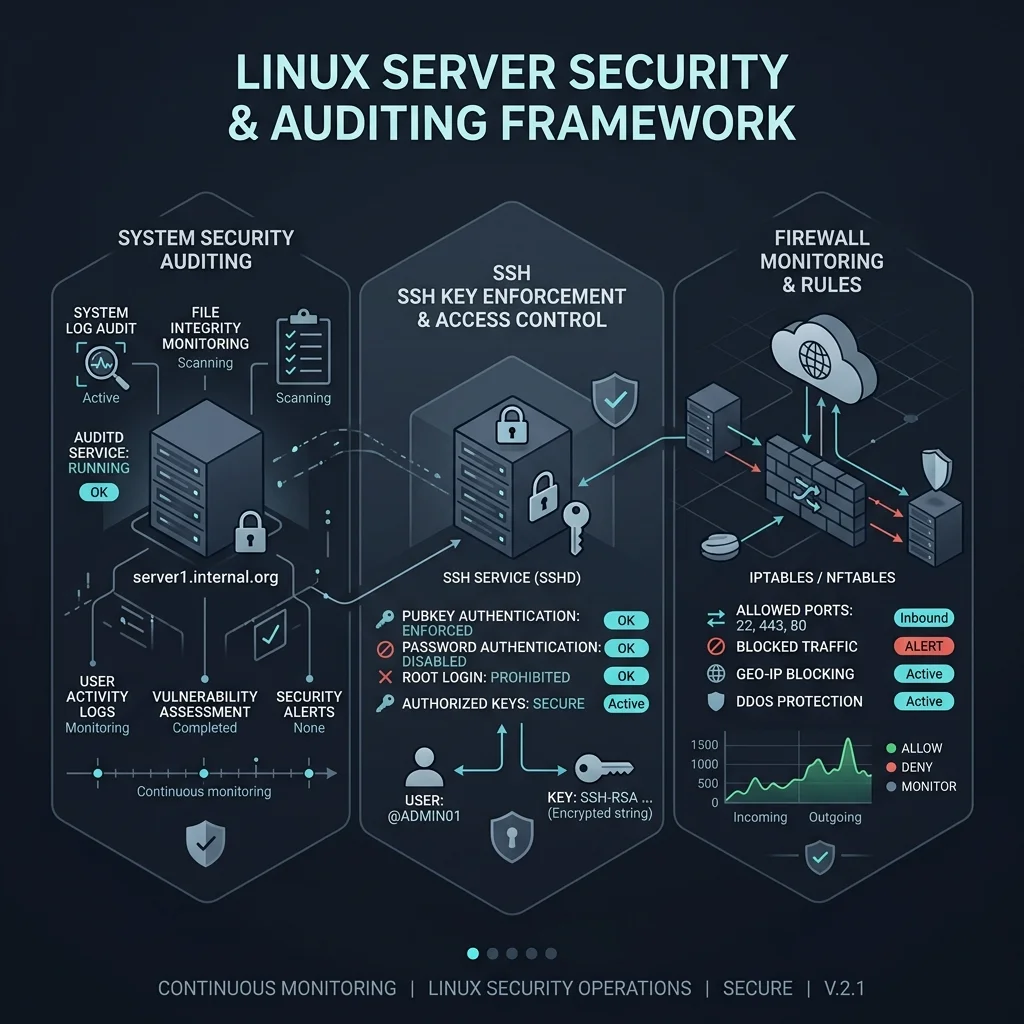
Whenever you deploy a new Linux server or Virtual Private Server (VPS), securing it against automated bot scans and unauthorized access attempts must be your top priority. Within minutes of bringing a public IP address online, automated scripts begin scanning SSH ports and testing default credentials.
This 10-step security checklist provides practical commands to harden Debian 12 and Ubuntu LTS servers.
1. Enforce Public Key SSH Authentication
Disable root password logins and require SSH key pairs.
Edit /etc/ssh/sshd_config:
PermitRootLogin prohibit-password
PasswordAuthentication no
PubkeyAuthentication yes
Apply SSH changes:
systemctl restart sshd2. Change Default SSH Port
Changing SSH port 22 to a non-standard port reduces automated log noise by over 90%.
Port 2222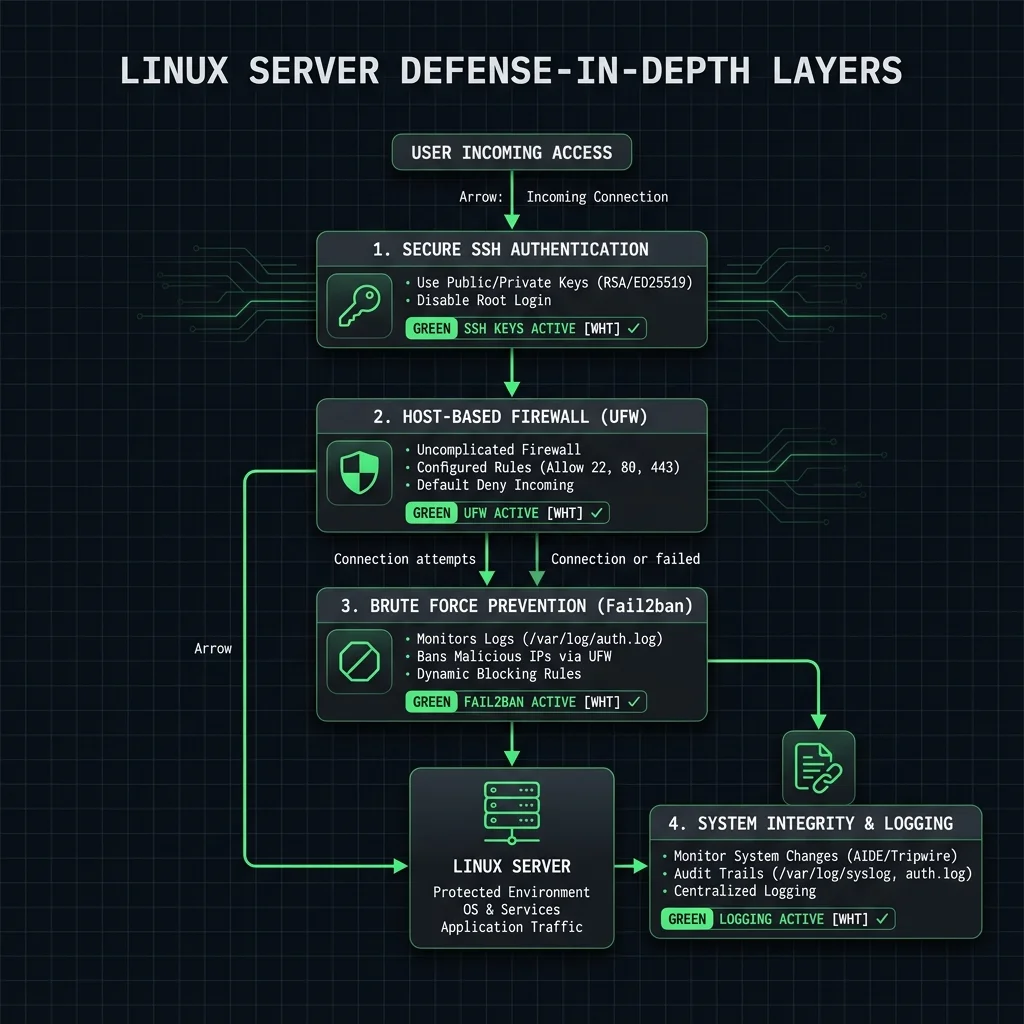
3. Configure UFW (Uncomplicated Firewall)
Set up strict default-deny firewall policies:
# Default policies
ufw default deny incoming
ufw default allow outgoing

# Allow custom SSH port
ufw allow 2222/tcp comment 'Custom SSH'
ufw allow 80/tcp comment 'HTTP'
ufw allow 443/tcp comment 'HTTPS'

# Enable firewall
ufw enable
4. Install & Configure Fail2ban
Automatically block IP addresses exhibiting malicious login behaviors:
apt install fail2ban -yConfigure /etc/fail2ban/jail.local:
[sshd]
enabled = true
port = 2222
filter = sshd
logpath = /var/log/auth.log
maxretry = 3
bantime = 86400
5. Enable Unattended Security Updates
Ensure security patches install automatically without manual intervention:
apt install unattended-upgrades -y
dpkg-reconfigure --priority=low unattended-upgrades
6. Audit Active Listening Ports
Regularly verify which daemons are listening on network interfaces:
ss -tulpnIf an unnecessary service is binding to 0.0.0.0, rebind it to 127.0.0.1 or disable it.
7. Secure Shared Memory (/dev/shm)
Add mount restrictions in /etc/fstab to prevent execution of malicious binaries in temporary memory:
tmpfs /dev/shm tmpfs defaults,noexec,nosuid 0 08. Automate Rootkit & Integrity Scanning
Install rkhunter and chkrootkit for automated rootkit verification:
apt install rkhunter chkrootkit -y
rkhunter --update
rkhunter --check --sk
9. Disable Unused Filesystems & Storage Modules
Disable rare storage modules to reduce kernel attack surface:
echo "blacklist firewire-core" > /etc/modprobe.d/firewire.conf10. Centralize & Monitor Auth Logs
Monitor authentication attempts in real time:
journalctl -u sshd -fConclusion
Implementing these 10 baseline hardening steps locks down public Linux servers against common attack vectors and automated bot exploits.