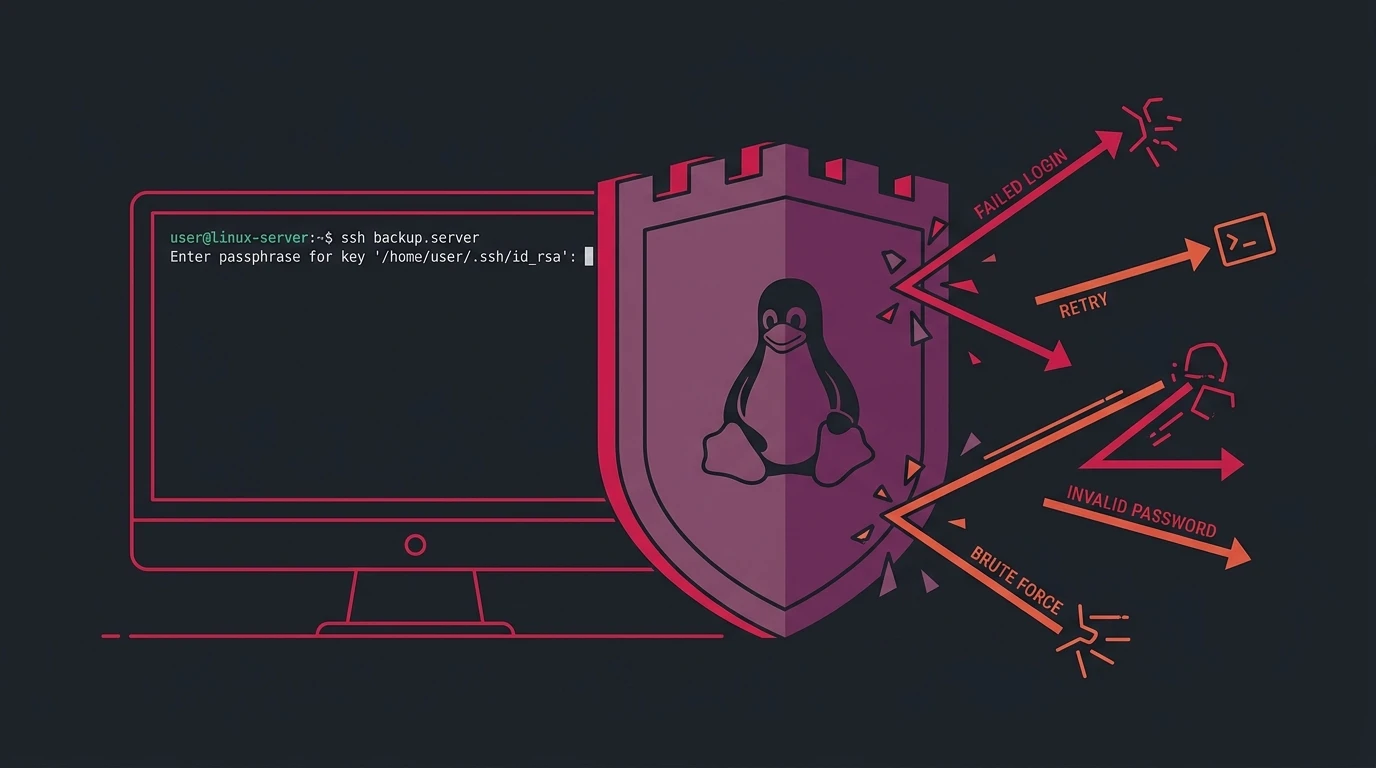
If you launch a brand new Linux server with a public IP address and check /var/log/auth.log after ten minutes, you will already see dozens of automated dictionary attacks trying passwords for root, admin, ubuntu, and test.
Even with strong passwords or SSH key authentication, these connection attempts waste CPU cycles, pollute your logs, and leave your door open to credential stuffing.
Fail2ban is the lightweight standard for actively watching log files and dropping firewall rules via iptables or nftables when an IP misbehaves.
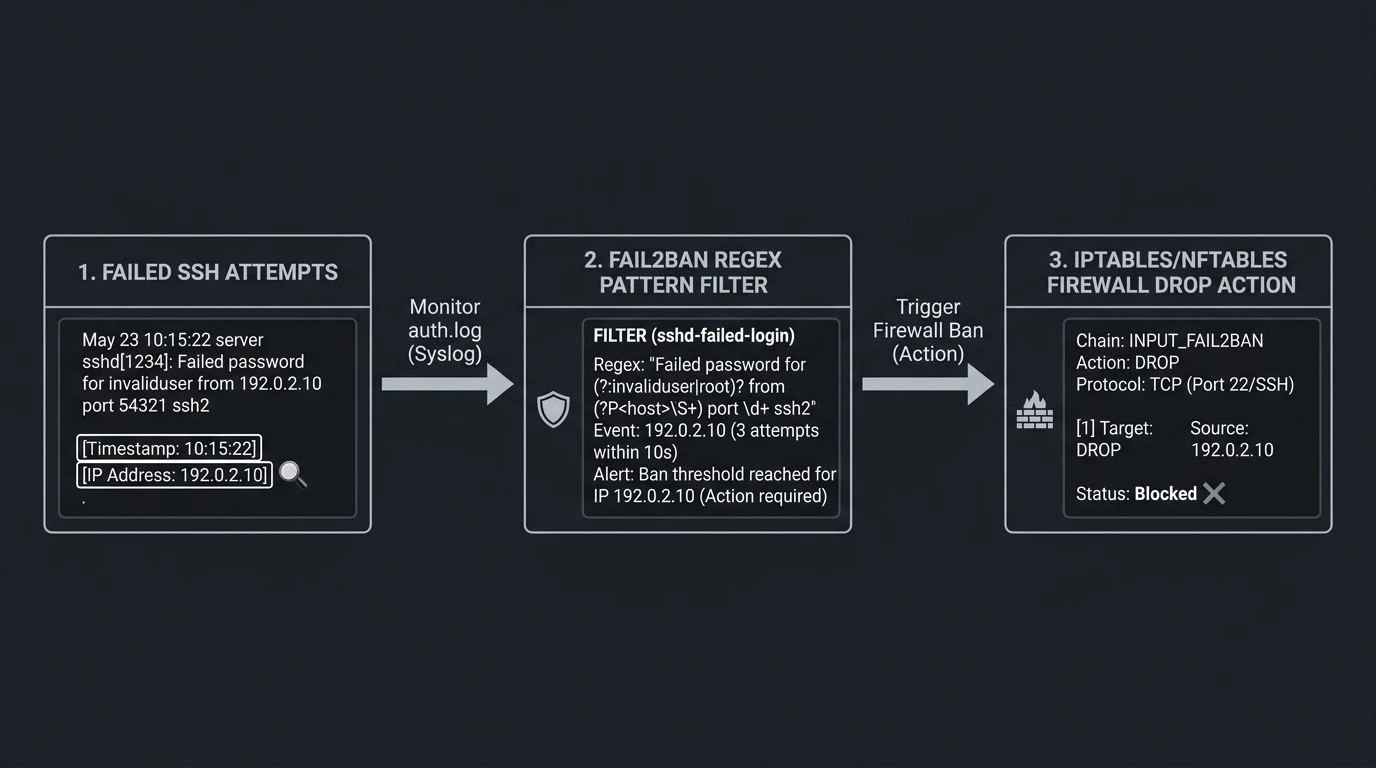
How Fail2ban monitors auth.log, matches regex rules, and triggers automated firewall DROP actions
Here is the quick setup I put on every new Debian and Ubuntu box.
1. Install Fail2ban
sudo apt update && sudo apt install -y fail2ban2. Configure jail.local (Never edit jail.conf directly)
Fail2ban ships with /etc/fail2ban/jail.conf, but package upgrades will overwrite it. Always create a local override file:
sudo cp /etc/fail2ban/jail.conf /etc/fail2ban/jail.local
sudo nano /etc/fail2ban/jail.local
Find the [DEFAULT] and [sshd] sections and configure your rules:
[DEFAULT]
# Ban for 1 hour (3600s) after 5 failures within 10 minutes (600s)
bantime  = 3600
findtime = 600
maxretry = 5

# Whitelist your own static office/home IP address (separated by spaces)
ignoreip = 127.0.0.1/8 ::1 192.168.1.0/24

[sshd]
enabled = true
port    = ssh
logpath = %(sshd_log)s
backend = %(sshd_backend)s
Note: If you changed your default SSH port (e.g. to 2222), make sure to update port = 2222 in the sshd block.
3. Restart and Enable the Service
sudo systemctl restart fail2ban
sudo systemctl enable fail2ban
4. Useful Management One-Liners
Check the status of your SSH jail and view currently banned IPs:
sudo fail2ban-client status sshdManually unban an IP address (e.g. if a colleague locked themselves out):
sudo fail2ban-client set sshd unbanip 203.0.113.45Manually ban a malicious IP address right away:
sudo fail2ban-client set sshd banip 198.51.100.22Inspect real-time bans as they happen:
sudo tail -f /var/log/fail2ban.logA clean, 3-minute setup that drops 99% of background internet noise before it ever touches your authentication stack.
To harden your server further, check out my 10-step security audit checklist for Debian and Ubuntu, set up instant email notifications on SSH root logins, or schedule automated rootkit scans with rkhunter and chkrootkit. Official jail configurations can also be explored in the Fail2ban documentation.