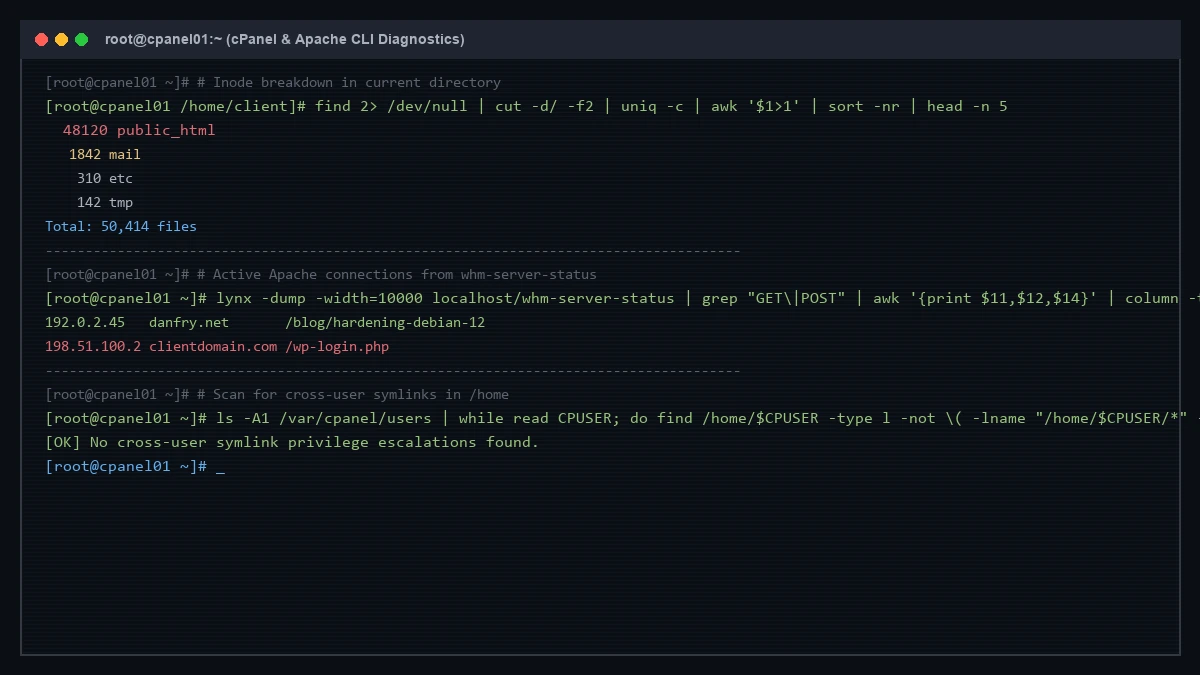
A quick collection of useful command-line snippets for diagnosing cPanel accounts, Apache web server connections, and shared hosting filesystem security.
1. Inode Usage Breakdown by Directory
When an account hits their disk inode limit, run this in their home directory to find where files are concentrated:
echo "Usage for: $(pwd)" ; find 2> /dev/null | cut -d/ -f2 | uniq -c | awk '$1>1' | sort -nr ; printf "Total: $(find $(pwd) | wc -l)\n"2. Top Active Apache Connections
Extract active requests, virtual hosts, and client IPs using WHM server status:
lynx -dump -width=10000 localhost/whm-server-status | grep "GET\|POST" | awk '{print $11,$12,$14}' | column -t | sort3. Scan for Dangerous Cross-User Symlinks
To prevent shared hosting users from creating symbolic links into other tenants’ /home/ directories:
ls -A1 /var/cpanel/users | while read CPUSER; do find /home/$CPUSER -type l -not \( -lname "/home/$CPUSER/*" -o -lname "/var/cpanel/rvglobalsoft*" -o -lname "[^/.]*" -o -lname "/usr/local/apache/domlogs/*" -o -lname "/usr/local/urchin/*" \); done4. Extract Joomla Database Credentials
Quickly grab database details without paging through the entire configuration:
egrep '(\$user|\$password|\$db\ \=)' configuration.php5. Quick phpinfo.php with Correct Account Ownership
Generate and set the proper cPanel user permissions in a single command:
echo -e '<?php phpinfo(); ?>' >> phpinfo.php; chown $(pwd|cut -d/ -f3). phpinfo.php