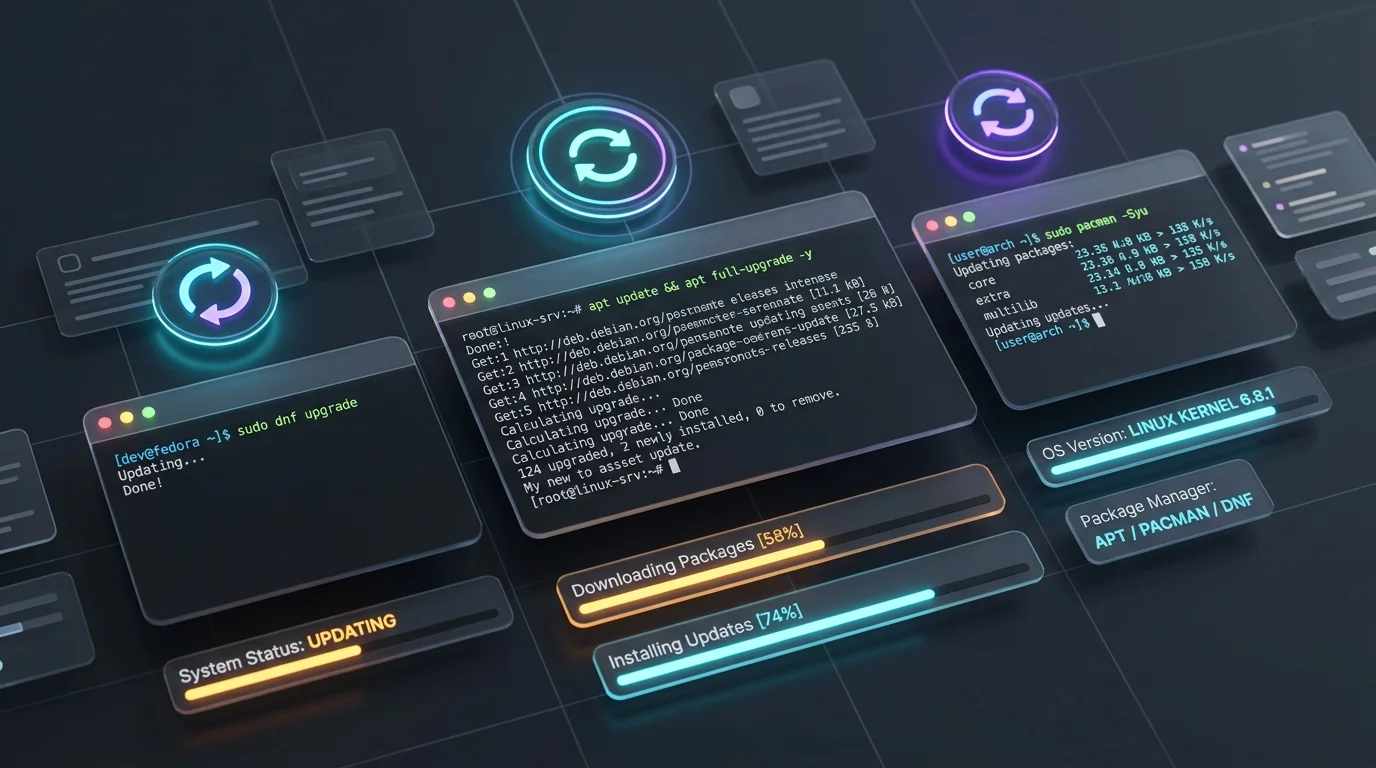
I regularly have to drop into a server, or I’m wanting to try a shiny new OS like Omarchy or play with an Arch Distribution. While I tend to stick to Debian and the odd AlmaLinux server for my servers and Arch or Ubuntu on desktop, the growing number of commands to remember to update is a pain. I am constantly typing apt update on a machine that has no apt available.
I’ve decided to make a lil simple guide below that has each OS and its update command—useful if you need a reminder or can’t remember it. Keeping your machines up to date is the single most important tip I can provide someone.
Windows (7, 10, 11) & UniGetUI
For standard Windows OS updates, stick to Settings / Control Panel → Windows Update (or trigger it via CLI on modern builds with usoclient StartInteractiveScan).
As I’m always surprised by how out of date my friends’ machines are when I remote in, or even some customers’ servers, I’ve included this useful tool that I recommend, use regularly and install on everyone’s machine running Windows:
- UniGetUI (by Devolutions): A brilliant open-source tool that wraps up updates across Winget, Chocolatey, Scoop, Pip, NPM, Cargo, and even APT inside WSL all into one clean interface.
Debian, Ubuntu & Mint (apt)
My normal go-to commands:
sudo apt update && sudo apt upgrade -y(Quick note on upgrade vs dist-upgrade: apt upgrade won’t remove packages or pull in new kernel dependencies if there’s a conflict. If packages get held back, run sudo apt dist-upgrade or full-upgrade to sort them out.)
AlmaLinux, Rocky Linux, RHEL & CentOS (dnf / yum)
# Modern RHEL / AlmaLinux / Rocky (dnf)
sudo dnf upgrade -y

# Legacy CentOS / RHEL (yum)
sudo yum update -y
Arch Linux, Alpine & FreeBSD
pacman always makes me smile—whether running standard Arch or trying out newer spins like Omarchy. pkg and apk are useful and common too!
# Arch Linux & modern derivatives (Omarchy, Manjaro, EndeavourOS)
sudo pacman -Syu

# Alpine Linux (LXC containers & small VMs)
apk update && apk upgrade

# FreeBSD
pkg update && pkg upgrade
(Bonus for terminal setups: if you use tmux and TPM, press Prefix + U to update all your tmux plugins in one shot.)