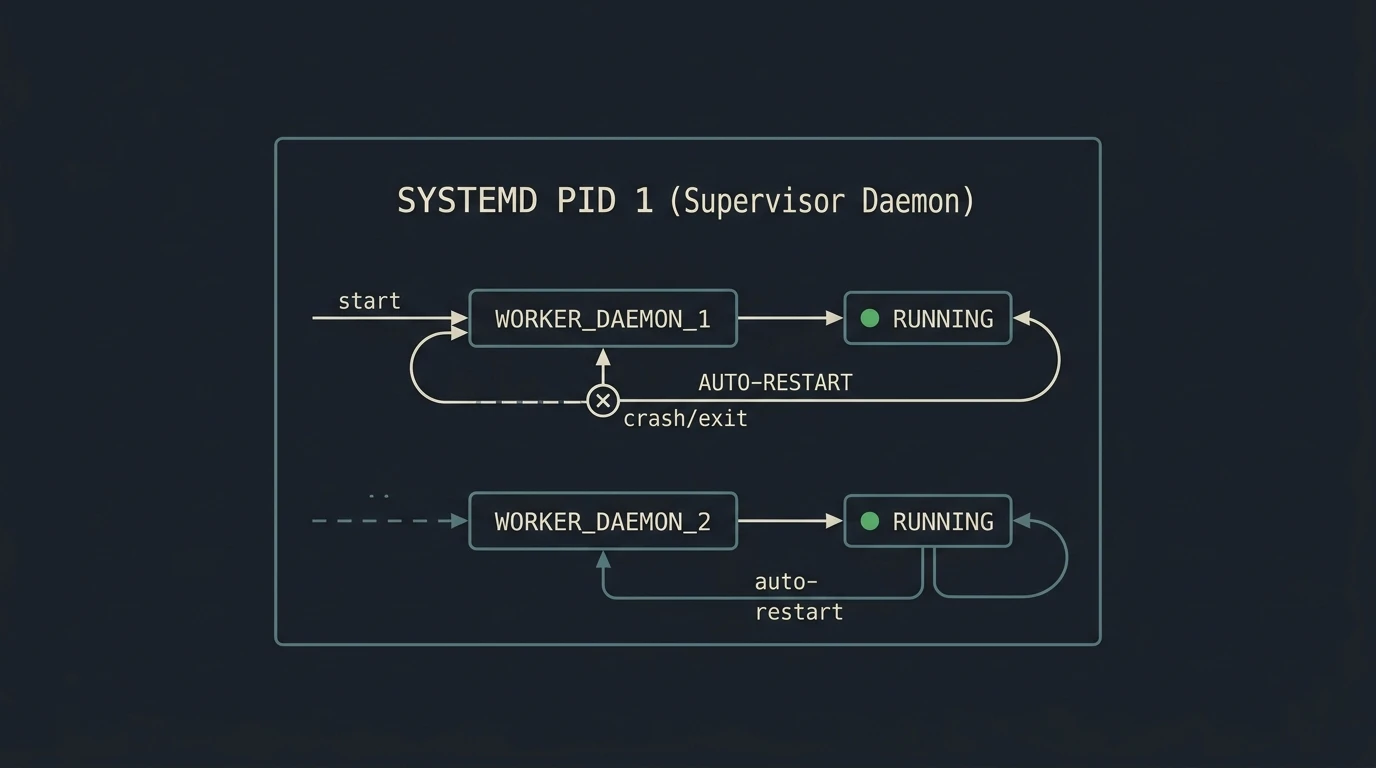
When writing background workers, Discord/Telegram bots, or custom backup scripts, it is tempting to just launch them in a detached screen session or add a @reboot line to crontab. The catch is that if the script throws an error or the server reboots unexpectedly, the process silently dies and you only find out when something stops working.
Setting up a proper Systemd service takes about two minutes and handles auto-restarts, boot startup, and log rotation for you.
Step 1: Create the Service Unit File
Create a new file in /etc/systemd/system/ named after your script (for example, bot-worker.service):
sudo nano /etc/systemd/system/bot-worker.serviceAdd this basic unit template:
[Unit]
Description=My Custom Bot Worker Script
After=network.target

[Service]
Type=simple
User=dan
WorkingDirectory=/home/dan/bot-worker
ExecStart=/usr/bin/python3 /home/dan/bot-worker/main.py
Restart=always
RestartSec=5s
StandardOutput=journal
StandardError=journal
Environment=NODE_ENV=production

[Install]
WantedBy=multi-user.target
A few helpful notes on these directives:
User=dan: Runs the process under a normal unprivileged user rather than root.Restart=always: Automatically restarts your script if it crashes or gets killed.RestartSec=5s: Adds a small 5-second delay before restarting so a broken script doesn’t loop instantly and spike CPU.StandardOutput=journal: Sends stdout and stderr straight intojournalctlfor clean log tracking.
Step 2: Reload and Start the Service
Whenever you create or modify a service file, tell systemd to scan for changes:
systemctl daemon-reloadNow start the service and enable it to launch automatically on system boot:
systemctl enable --now bot-worker.serviceStep 3: Check Status and Live Logs
To verify it’s running:
systemctl status bot-worker.serviceTo tail live console logs in real time:
journalctl -u bot-worker.service -fThat’s all there is to it. No more forgotten screen sessions or wondering if your background process survived a kernel update reboot. If you’re managing full container stacks rather than single binary scripts, check out my guide on self-hosting Docker microservices with Traefik and Portainer. You can also explore additional directives in the official systemd.service manual.