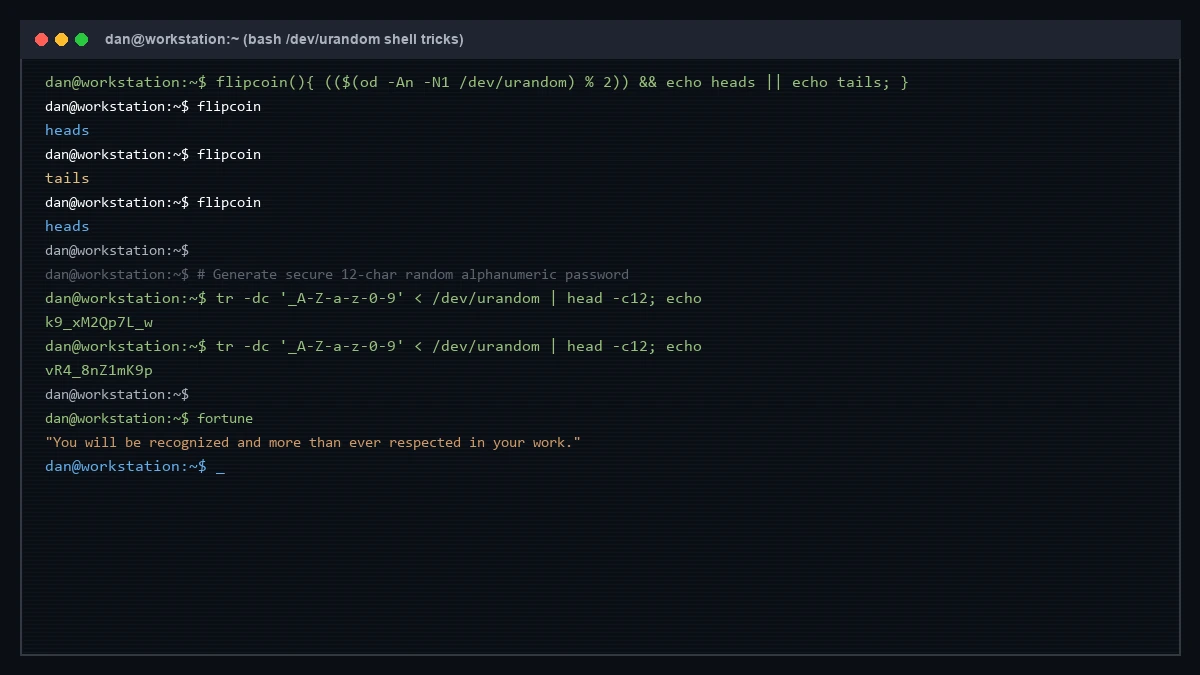
Sometimes you need quick, cryptographically sound random output directly in your terminal without installing extra tools or opening a browser.
Here are two quick Bash one-liners powered by /dev/urandom.
1. Flip a Coin in Terminal
Add this quick function to your .bashrc or run it directly in shell:
flipcoin(){ (($(od -An -N1 /dev/urandom) % 2)) && echo heads || echo tails; }How it works:
od -An -N1 /dev/urandomreads a single raw byte from the kernel random pool and outputs it as an integer.- Arithmetic evaluation
(( byte % 2 ))yields either0(false) or1(true), printingheadsortailswith zero pseudo-random bias.
2. Generate a Quick Random String (Temporary Tokens)
To generate a fast, random 12-character alphanumeric string for throwaway testing, salt values, or staging tokens:
tr -dc '_A-Z-a-z-0-9' < /dev/urandom | head -c12; echoExample output:
k9_xM2Qp7L_wSecurity Note on Passwords: While quick 12-character CLI strings are handy for temporary tokens or throwaway hashes, they should never be used as primary account passwords. For real-world security, always follow the NIST SP 800-63B Digital Identity Guidelines — prioritising longer multi-word passphrases (16+ characters), dedicated password managers, and multi-factor authentication (MFA/2FA) over short, manually generated strings.
Bonus: Quick Terminal Wisdom
When you just need a quick chuckle or fortune before logging off SSH:
fortune